
NEWS · 20/10/2026
Introducing My lists: track your progress, export and share your collections
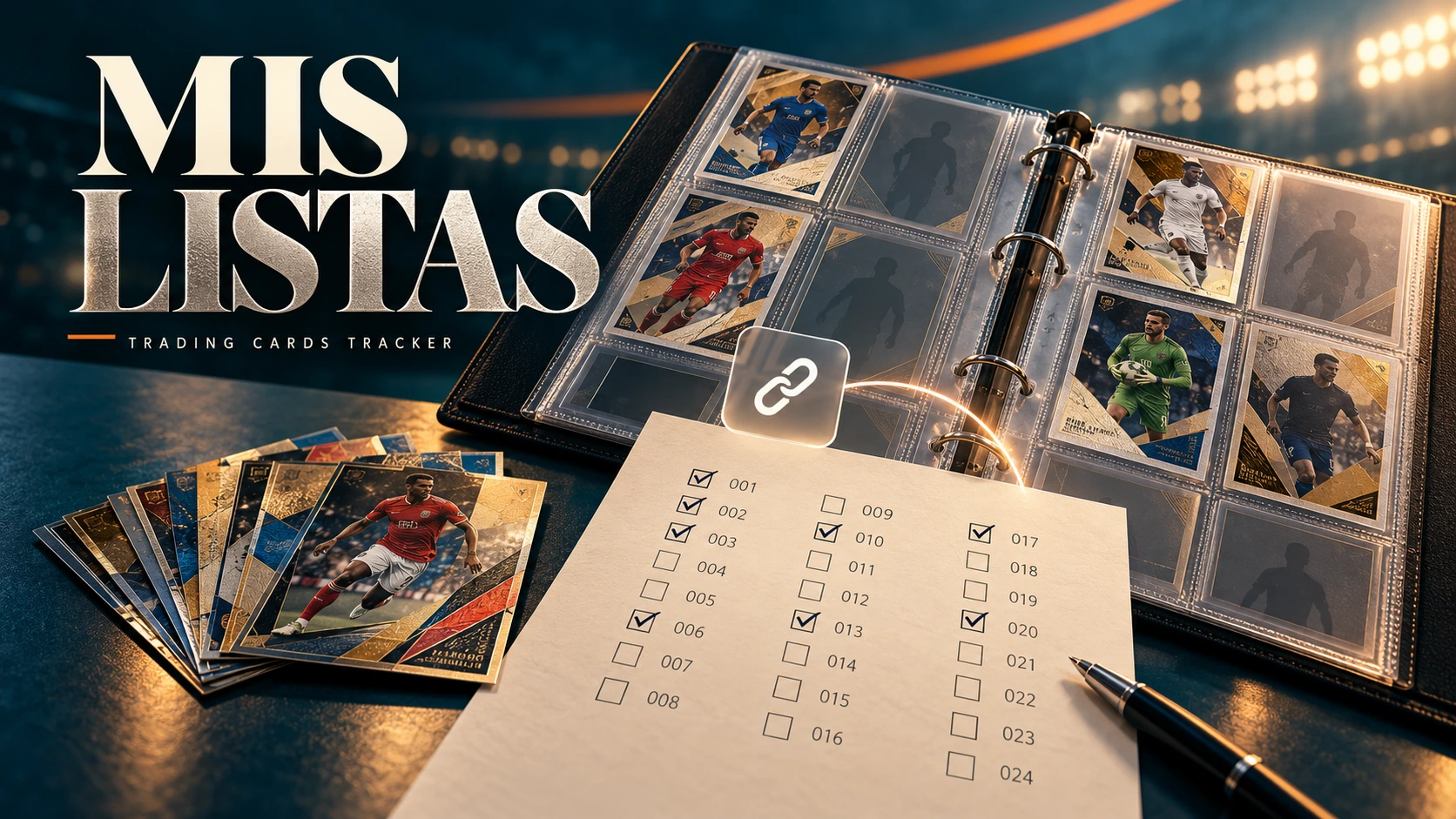
Explore your collections card by card, share your progress through a live link and create missing-card lists, duplicate lists or full checklists in text, Reddit, PDF and CSV formats. Find it under Trades → My lists.
Which cards are you missing? Which ones do you have duplicates of? How can you show another collector your progress without rewriting a list every time?
Introducing My lists in Trading Cards Tracker: a place to explore your collections, create customised lists and share your progress.
You can find it under Trades → My lists, with two sections: My collections and Export lists.
YOUR COLLECTIONS, CARD BY CARD
My collections brings together collections you own cards from and those you have marked as favourites. Search for a collection or filter by favourites and collections with owned cards.
Open a collection to see your progress and an ordered checklist, with filters for owned, missing and duplicate cards. Progress is based on the cards recorded in the TCT catalogue.
SHARE YOUR PROGRESS WITH A LINK
Open your checklist and choose Share link. Decide whether to show which cards you have duplicates of, activate the link and copy it to send to other collectors.
You can also open your checklist using Share progress on a collection’s page.
The link reflects your current progress as you update your cards, so you do not need to create a new one whenever your collection grows. Only registered users who are signed in can view it, and they cannot edit your cards.
You need a public alias to activate a link. You can set one in Settings. Your alias identifies your list, while an additional unique key keeps the link distinct. You can disable it whenever you want through Manage link.
EXPORT YOUR LISTS IN FOUR STEPS
1. Collections
Choose one or several collections. Each will have its own section in the export.
2. Content
Choose Missing, Duplicates or combine both. Alternatively, select Full list to create a checklist of the entire collection.
If some copies are committed to trades, the wizard will ask whether to include them among your duplicates or show only available copies, keeping one copy of each card.
3. Personalise
Number and name are selected by default. Keep just the numbers or add team, type/series, variant and card language.
You can also choose the list’s language, show duplicate quantities and include or remove PDF checkboxes. Additional options let you filter the content by type, variant or card language.
Use the preview to review your list as you prepare it. On mobile, switch between Configure and Preview without losing your selections.
4. Export
Choose the format that suits you:
• Text: compact lists that are easy to copy, such as “MISSING: 12, 16, 21, 22”.
• Reddit: text prepared for sharing in that community.
• PDF: a compact document to save or print. With checkboxes enabled, the checklist distinguishes owned cards from missing ones.
• CSV: a file you can use in a spreadsheet.
To save printing space, try Numbers only. The page count will depend on the cards and fields you include.
A LIVE LINK OR A COPY TO KEEP
Your shared link reflects your current progress. Exported text and files capture your list at the time you generate them: if your collection changes, simply export again.
Exporting or sharing does not change your quantities or create trade offers. You decide what to show and when to share it.
Visit Trades → My lists and try it with your collection. We would love to hear your feedback and what would make organising your cards easier.
Luis and Gonzalo
Creators of Trading Cards Tracker